More real reviews, less reputation left to chance
Request Google reviews after visits, filter dissatisfied clients privately and manage your reputation from Domeralia.
Included in every plan — activate when your clinic is ready.
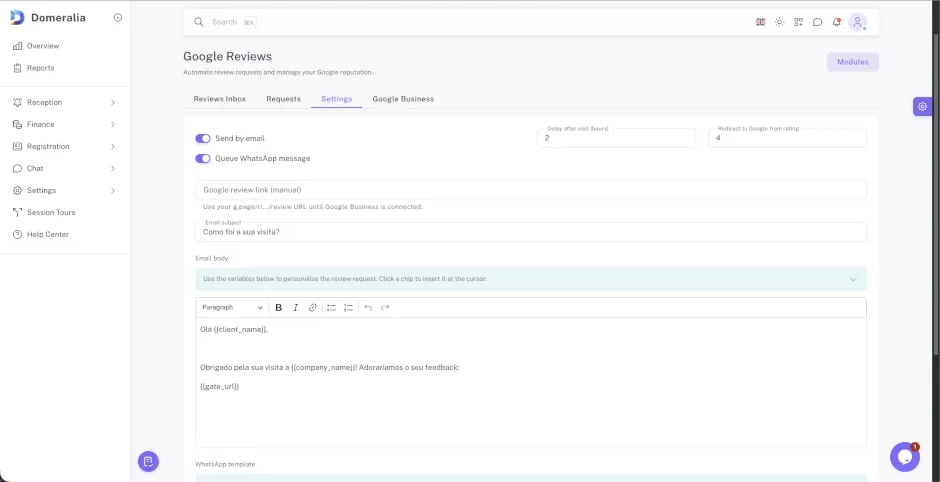
Why clinics miss reviews (and how to fix it without overloading reception)
A strong Google reputation attracts new patients, but asking for reviews by hand is inconsistent: it depends on someone remembering the message, the mood of the day and whether the patient has the link. Meanwhile, difficult visits can still land as public reviews — with no prior filter.
Domeralia automates the request after an attended visit (email and WhatsApp queue), with a configurable delay. Before opening Google, the patient goes through an NPS gate: below the threshold they leave private feedback for the clinic; above it they are redirected to your Google review URL.
With Google Business Profile connected you can sync reviews and reply from Domeralia — optionally with AI suggested replies that you review before posting. Without OAuth, the module still works with a manual g.page/r/.../review link.
How it fits the clinic day
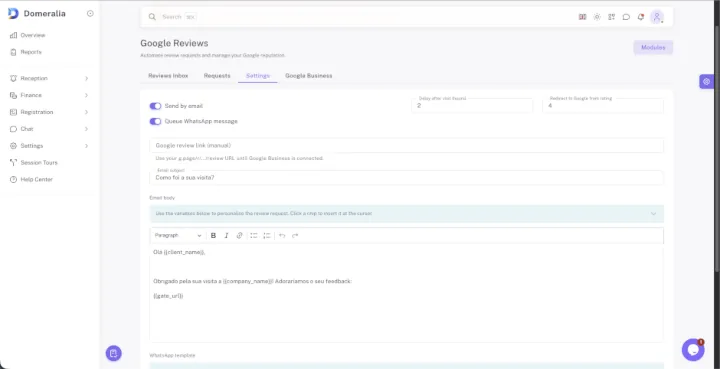
- 1 The patient attends; Domeralia schedules the review request after your configured delay.
- 2 They open the NPS gate: low score = private feedback; high score = redirect to Google.
- 3 The team sees requests and reviews under Reception ? Google Reviews and replies when needed.
FAQ

Ready to request more reviews without overloading reception?
Try Domeralia free for 14 days — no credit card required.