Video visits built into your calendar
Waiting room, fair plan quotas and extra sessions that never expire.
Teleconsultation in Domeralia — video in the calendar, waiting room and clear plan quotas. Extra sessions that don’t get lost. Recording coming soon.
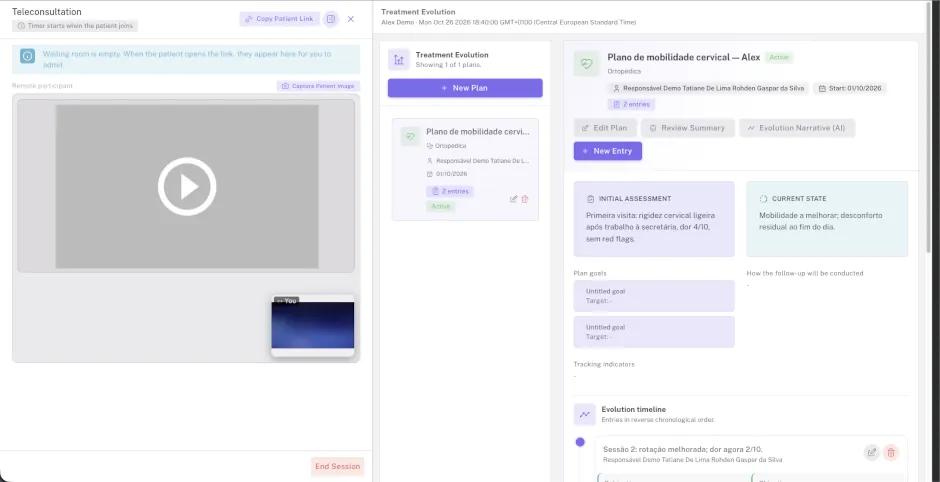
How teleconsultation works in Domeralia
The professional opens the room from the calendar. The patient joins via the secure portal link. A session only counts against the quota when the patient joins. Each visit lasts up to 1 hour and ends automatically.
Every plan includes real-time video (professional and patient), a virtual waiting room, concurrent room limits and extra session packs when the monthly quota runs out.
Plan sessions renew every month. Purchased extra sessions never expire: they are only used after the plan quota for that month is exhausted.
Quotas by plan
Teleconsultation is included in every plan, with fair session and concurrent-room limits.
| Plan | Sessions / month | Rooms at once |
|---|---|---|
| Trial | 2 | 1 |
| Solo | 10 | 1 |
| Duo | 20 | 1 |
| Practice | 80 | 2 |
| Clinic | 120 | 3 |
Plan sessions renew every month. Extra sessions never expire: they are only used after the plan quota for that month is exhausted.
Extra sessions
One-time purchase. Choose the quantity (1 to 100 per purchase). The balance stays available until used.
Session recording is temporarily disabled and will be announced when it becomes available.
How it fits the clinic day
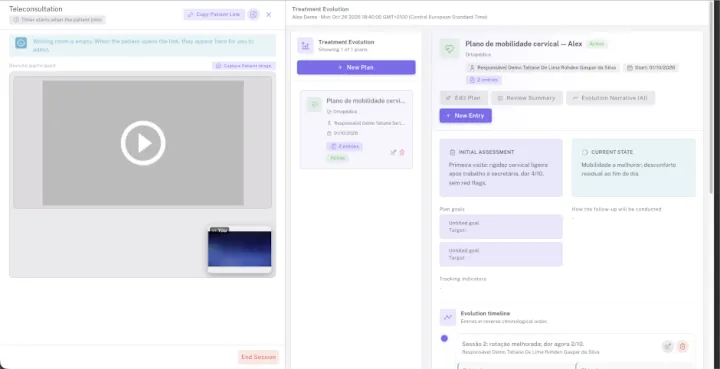
- 1 The professional opens the teleconsult room from the calendar.
- 2 The patient joins via the secure portal link, with nothing to install.
- 3 The session counts when the patient joins; after one hour it closes automatically.
FAQ

Ready to see patients remotely without leaving Domeralia?
Try Domeralia free for 14 days — no credit card required.