Google Calendar sync
See your Domeralia calendar in Google Calendar too
Export appointments to Google Calendar so the team sees the schedule outside Domeralia.
Included in every plan — activate when your clinic is ready.
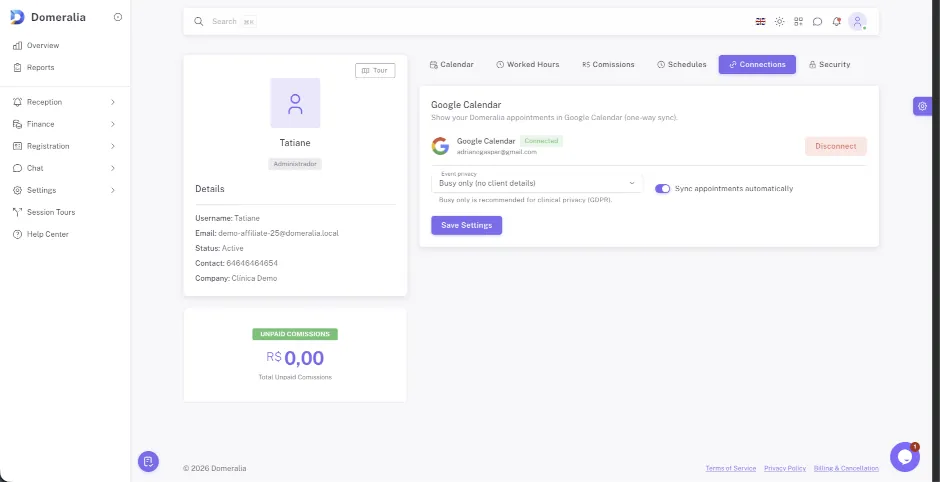
The team needs to see the calendar outside the clinic system too
When the calendar only lives inside the clinic software, a professional who wants to check their appointments from their personal phone or share them with another tool has to ask or check separately.
Domeralia exports appointments to Google Calendar automatically, so the team sees their clinic schedule alongside their other commitments, with no duplicate data entry.
Every change in Domeralia is reflected in Google Calendar, and professionals can organise their whole day from a single app if they prefer.
How it fits the clinic day
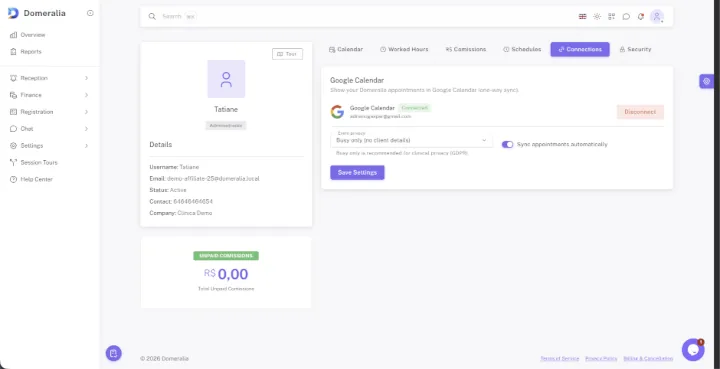
- 1 The professional connects their Google Calendar account from their Domeralia profile.
- 2 Every new or changed appointment exports automatically to their Google calendar.
- 3 The professional checks their whole day from the calendar app they already use.
FAQ
Export sends Domeralia appointments to Google Calendar; changes are managed from Domeralia to keep the schedule as the single source of truth.
Yes, each professional authorises the connection with their own account from their profile, independently.
You can disconnect it at any time from your profile; already-exported appointments stay in Google Calendar but stop updating.
We offer 14 days free to evaluate Domeralia — including the reviews module — with your clinic’s real data.

Want to see your clinic schedule in Google Calendar too?
Try Domeralia free for 14 days — no credit card required.